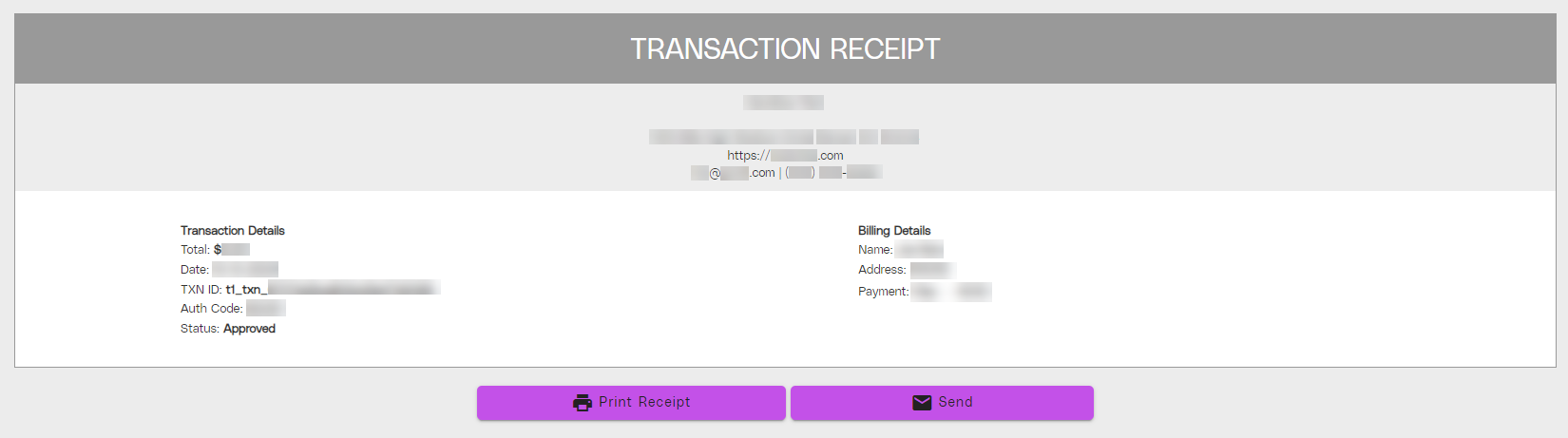

On the portal, the Transaction Receipt page contains documentation of a specific transaction made with a customer, as well as a printable and downloadable receipt for the transaction.
To access the Transaction Receipt page:
-
- Access the Payment History page in the Payments category in the left navigation panel.
- Click any information in the transaction table to redirect to the Transaction Details page.
- Click RECEIPT on the Transaction Details page and you will be redirected to the Transaction Receipt page, where you can print or save the PDF.